
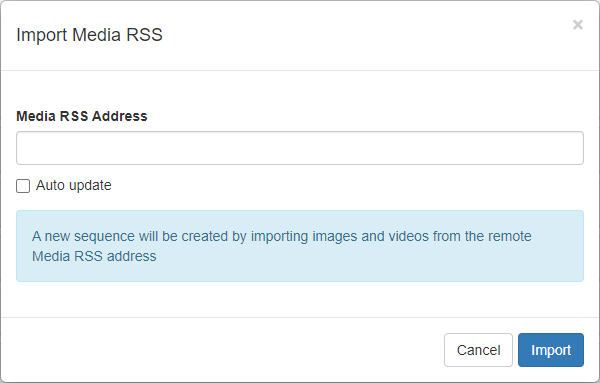
Use the Import Media RSS dialog to create a sequence by importing images and videos from a remote Media RSS address.
To display this dialog:
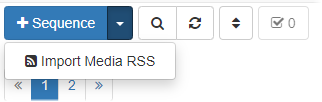
- Click the arrow beside the Add Sequence button (
 ).
). - Click Import Media RSS to display the Import Media RSS dialog.
- In the Media RSS Address field, enter the remote media RSS address.
- Click Auto update to ensure the sequence created from the RSS feed updates automatically.